

Prerequisites
- Install kubectl
Setup
Configure Kubeconfig Credentials
To interact with the cluster, you need valid
kubeconfig credentials. SambaNova will provide both the kubeconfig file and the base64-encoded password.-
Save the provided kubeconfig file securely (e.g.
~/.sambastack/kubeconfig.yaml) -
Decode the base64-encoded password and save it to a YAML file.
Store both the password and kubeconfig file securely and do not share them with unauthorized users; the password is required to access cluster nodes.
-
Set the kubeconfig variable:
- Your credentials file should resemble this example.
Configure and install `sambastack.yaml`
-
Configure a minimum viable
sambastack.yamlfile:See the SambaStack.yaml Reference for a full example.Update the version field to match the version provided by your SambaNova representative. -
Apply the file
If successful, you will see
-
Verify success by running the following commands and observing expected outputs:
Check installer logs and retrieve UI/API domain names with:expected response:
Verify cluster pods are running:expected response:It usually takes about 5-10 minutes for all the pods to reach their desiredRunningstate.See the Pods reference table for more details.
Authentication Setup and User Management
For hosted SambaStack, SambaNova provides a default Keycloak instance for authentication. If you would like to set up a custom OIDC configuration, please refer to the Authentication Page.
Key considerations and common issues
- Email is required: Users without an email cannot log in.
- Unique usernames: Duplicate usernames are disallowed; keep username and email aligned.
- Permanent passwords: Initial passwords should not be temporary unless a user reset is desired.
- Browser tip: Use Chrome for Keycloak admin UI when port-forwarding to avoid session cookie issues.
-
Retrieve admin credentials:
expected output:
-
Port-forward Keycloak service
-
Visit
http://localhost:8080and log in using retrieved credentials. - Manage users by following the Keycloak Server Administration Guide.
Log into SambaStack UI and Create API Key
-
Obtain the UI domain from the installer logs (see Step 2.3)
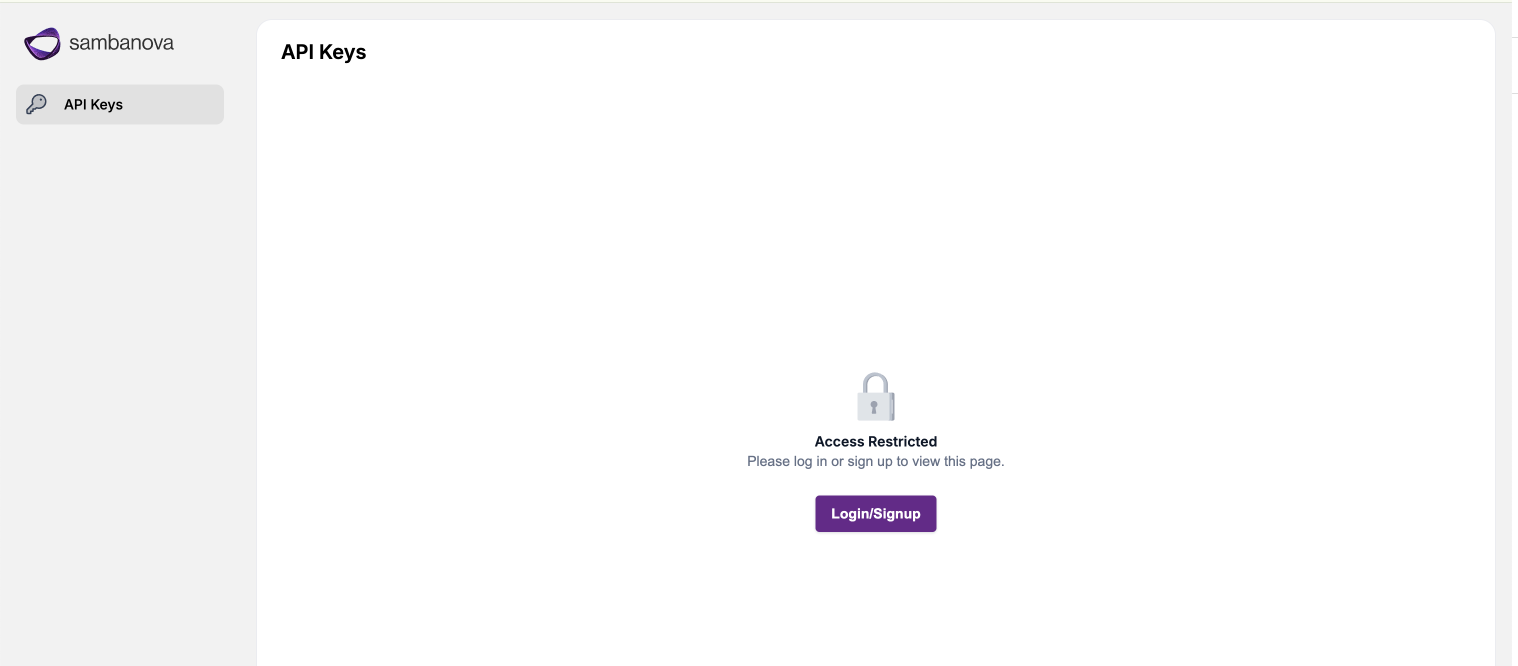 Access the UI domain using Google Chrome to avoid compatibility issues.
 -
Log in using your credentials via the authentication flow.
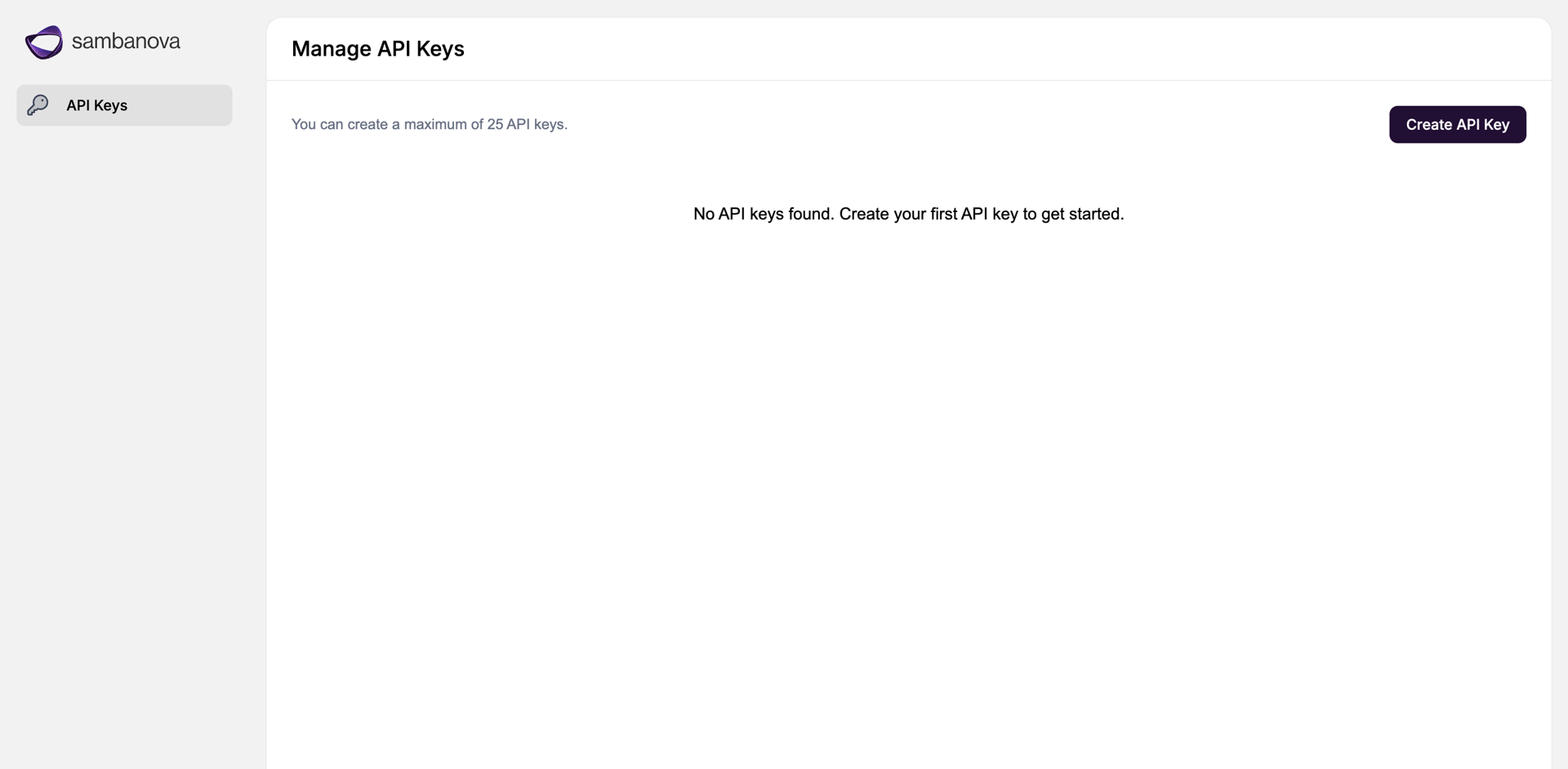
- Navigate to the API Keys page, create API key, and save securely!