

Prerequisites
- Install kubectl
Setup
Configure Kubeconfig Credentials
To interact with the cluster, you need valid
kubeconfig credentials. SambaNova will provide both the kubeconfig file and the base64-encoded password.-
Save the provided kubeconfig file securely (e.g.
~/.sambastack/kubeconfig.yaml) -
Decode the base64-encoded password and save it to a YAML file.
Store both the password and kubeconfig file securely and do not share them with unauthorized users; the password is required to access cluster nodes.
-
Set the kubeconfig variable:
- Your credentials file should resemble this example.
Configure and install `sambastack.yaml`
-
Configure a minimum viable
sambastack.yamlfile:See the SambaStack.yaml Reference for a full example.Update the version field to match the version provided by your SambaNova representative.The installer deploys three Helm releases in order —Bundles are configured in themodels.yamlsection, which the installer passes verbatim to thesambastack-modelsrelease. For the keys, see Models chart.sambastack-base,sambastack, andsambastack-models— and passes themodels.yamlsection verbatim to thesambastack-modelsrelease. No extra configuration is required. -
Apply the file
If successful, you will see
-
Verify success by running the following commands and observing expected outputs:
Check installer logs and retrieve UI/API domain names with:expected response:
Verify cluster pods are running:expected response:The installer logs a single line for the whole install. To confirm each release landed, list them:You should see three releases, all with statusdeployed:It usually takes about 5-10 minutes for all the pods to reach their desiredRunningstate.See the Pods reference table for more details.
Authentication Setup and User Management
For hosted SambaStack, SambaNova provides a default Keycloak instance for authentication. If you would like to set up a custom OIDC configuration, please refer to the Authentication Page.
Key considerations and common issues
- Email is required: Users without an email cannot log in.
- Unique usernames: Duplicate usernames are disallowed; keep username and email aligned.
- Permanent passwords: Initial passwords should not be temporary unless a user reset is desired.
- Browser tip: Use Chrome for Keycloak admin UI when port-forwarding to avoid session cookie issues.
-
Retrieve admin credentials:
expected output:
-
Port-forward Keycloak service
-
Visit
http://localhost:8080and log in using retrieved credentials. - Manage users by following the Keycloak Server Administration Guide.
Log into SambaStack UI and Create API Key
-
Obtain the UI domain from the installer logs (see Step 2.3)
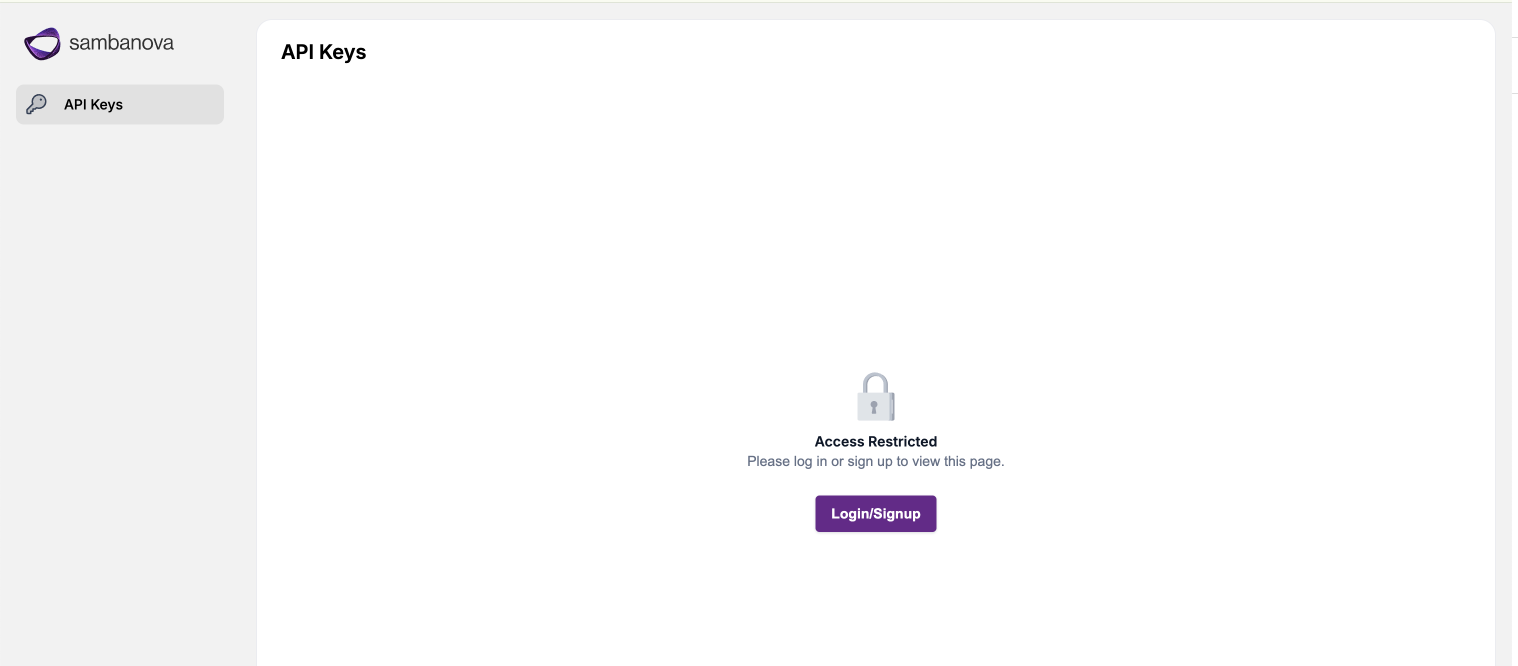 Access the UI domain using Google Chrome to avoid compatibility issues.
 -
Log in using your credentials via the authentication flow.
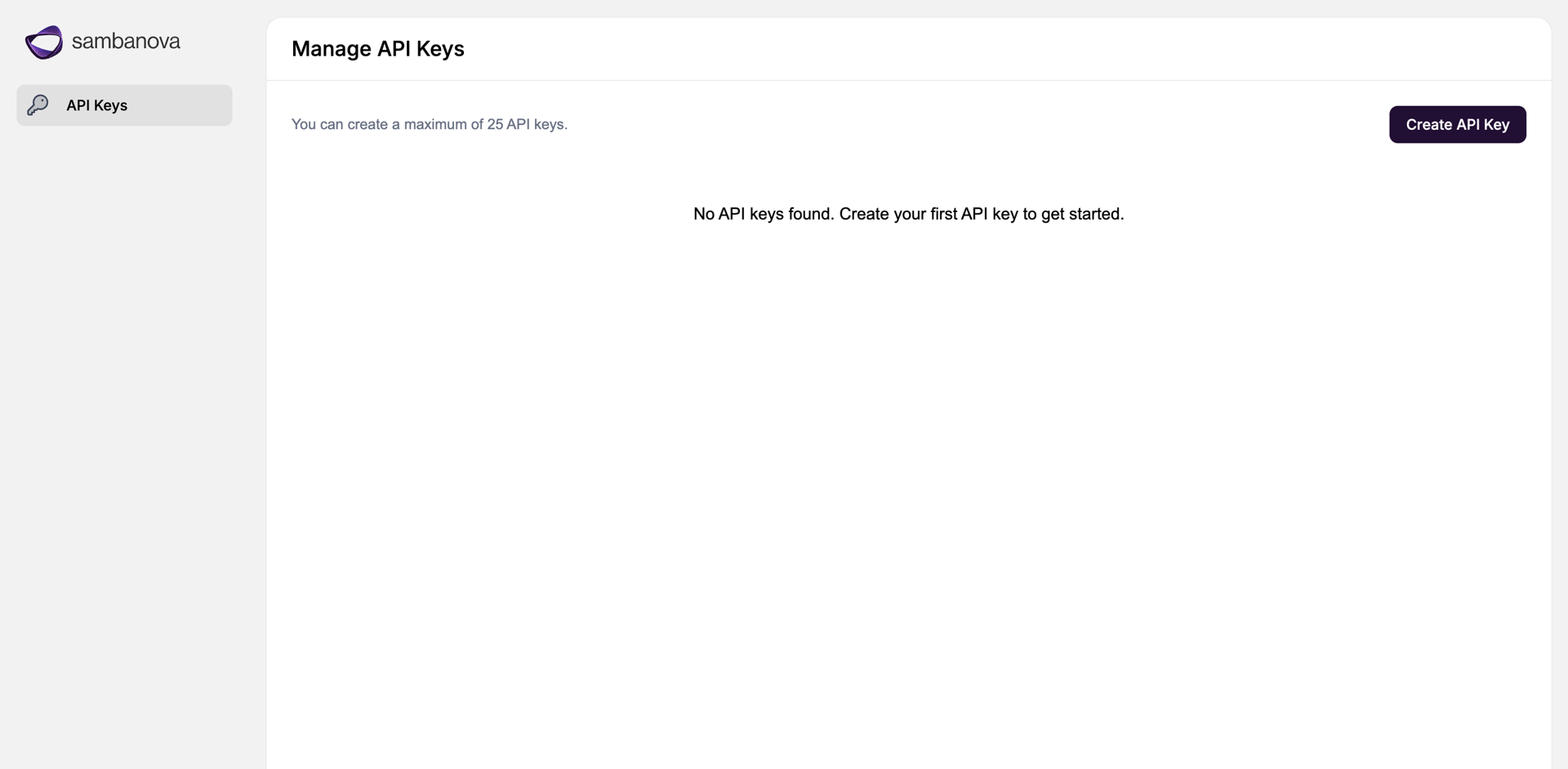
- Navigate to the API Keys page, create API key, and save securely!