

Prerequisites
Before you begin, ensure you have:- A SambaCloud account and API key
- Node.js and npm
- A POSIX shell on macOS, Linux, or WSL
Setup
1
Install Pi
Install Pi globally with npm:Verify that Pi is installed:
2
Configure SambaNova as a provider
Create the Pi agent configuration directory if it doesn’t exist yet:Create
~/.pi/agent/models.json with the SambaNova provider configuration:3
Configure your SambaNova API key
Create Replace
~/.pi/agent/auth.json with your SambaNova API key:your-sambanova-api-key with the key from your SambaCloud portal.4
Start using SambaNova models
Run Pi with your configured SambaNova provider and model:You can use any model configured in 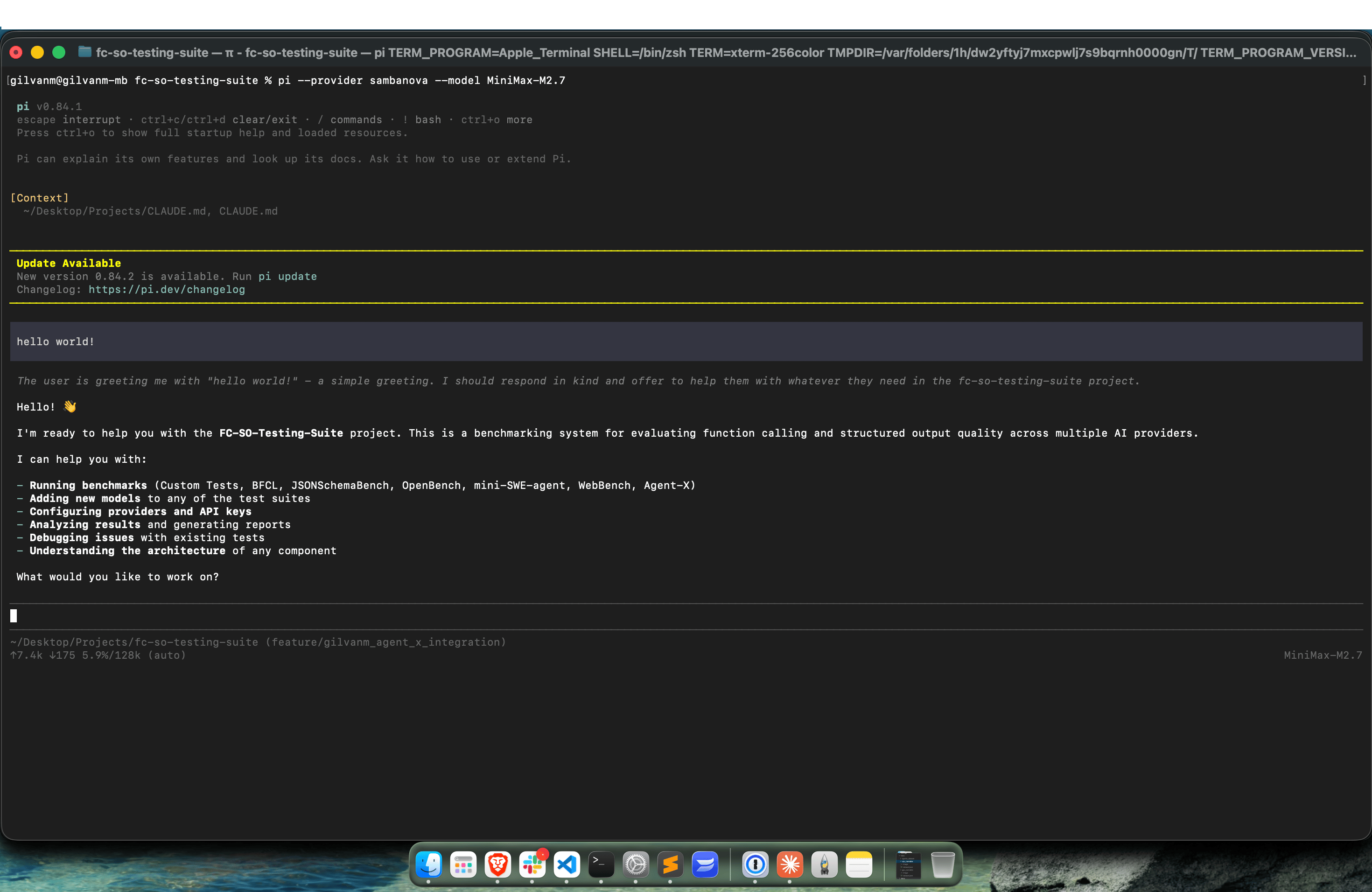
~/.pi/agent/models.json, for example:Available models
The SambaNova provider configuration above includes the following models:models array in ~/.pi/agent/models.json, then run Pi with that model:
Troubleshooting
Ifpi isn’t found after installation, verify that the npm global installation directory is on your PATH:
~/.pi/agent/models.json doesn’t exist, create the configuration directory first:
~/.pi/agent/auth.json exists and contains the correct provider name and API key:
sambanova:
~/.pi/agent/models.json and matches the model ID passed to Pi: